Script:
| ROW | AUDIO | ON-SCREEN ACTIVITY | STORYBOARD |
| 1 | INTRO: Resolve unknown purchases | ||
| 2 | See an unexpected charge on your statement? Let’s clear it up. | Desktop | |
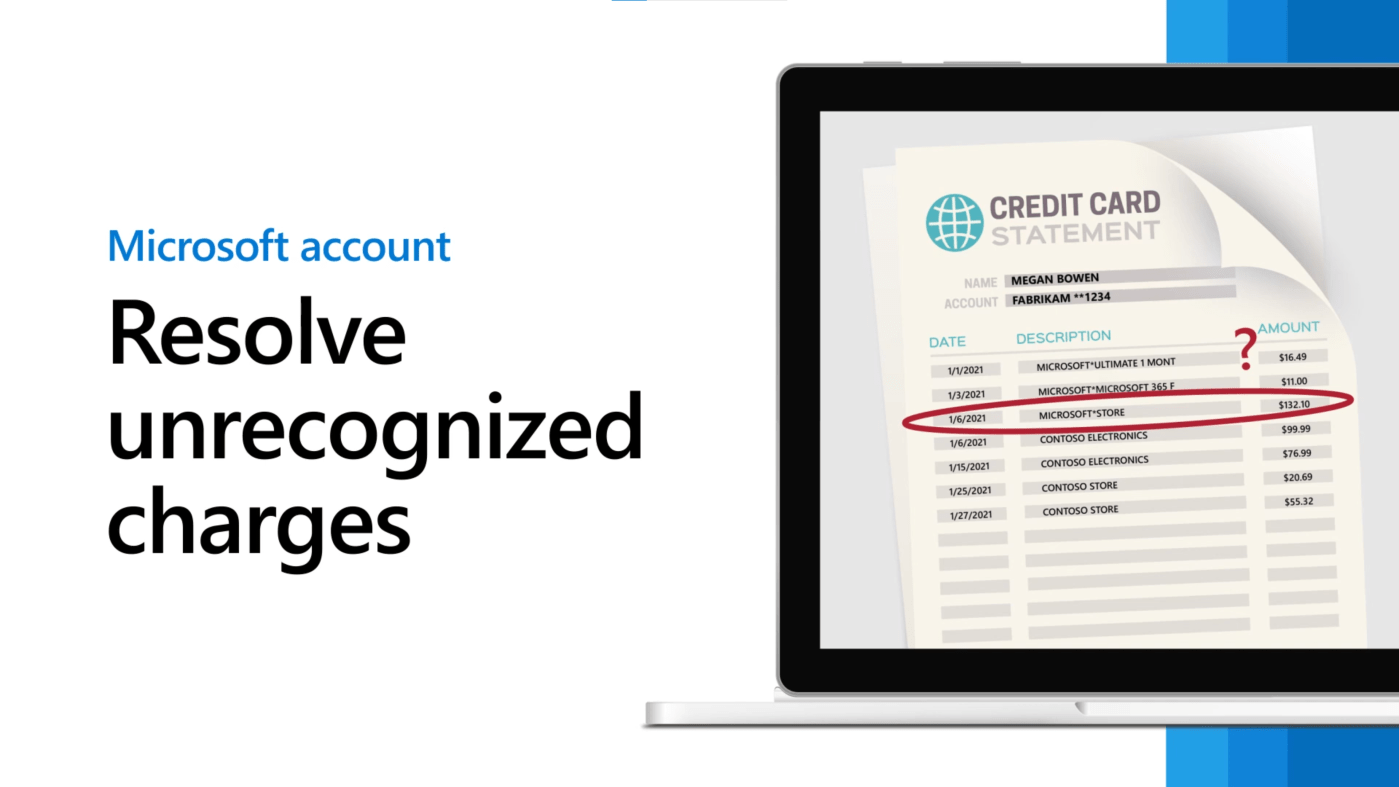
| 3 | Double-check your statement. Charges from M-S-bill-dot-info or bill-dot-m-s-dot-net are from Microsoft. If the unrecognized charge is from somewhere else, contact your financial institutionto help determine where the charge came from. If the charge is from Microsoft, here’s how to look up your purchases. | TEXT: Charges from MSbill.info or bill.ms.net are from Microsoft [flip] If the unrecognized charge is from somewhere else, contact your financial institution ACTION: Open Edge and zoom in to a mock credit card transactions page (see storyboard as example). One charge from Contoso, one charge from MSbill.info, one from bill.ms.net. Red box highlight around Contoso, then MS charges to match VO. | |
| 4 | Check your email for a confirmation from Microsoft Store. If you don’t see one, check your junk or spam folder. (You’ll have to do this for each of your Microsoft accounts, including any connected child accounts.) | TEXT: Check your email for a confirmation from Microsoft Store [add] If you don’t see one, check your junk or spam folder [flip] You’ll need to do this for each Microsoft account, including connected child accounts ACTION: Open Outlook for web. Mock up a Microsoft Store confirmation mail. Highlight junk folder with red box to match VO. | |
| 5 | You can also check your order history. Sign in to account-dot-microsoft-dot-com. | TEXT: Check your order history [flip] Sign in to account.microsoft.com ACTION: Sign in to AMC Note to editor: Mask creds w/ Megan Bowen info | |
| 6 | Select Payment and billing, then select Order History. | TEXT: Select Payment and billing [flip] Select Order History ACTION: Zoom in. Select Payment & billing in top nav, then Order History from the dropdown | |
| 7 | Compare your purchases to the charge in question. Check dates, the purchase amount, the payment method, and order status. | TEXT: Compare your purchases to the charge in question [flip] Check dates [replace second line with these, matching the VO] the purchase amount the payment method order status ACTION: Side by side of statement and account (or maybe mobile view over AMC?) Highlight areas w/red boxes to match VO | |
| 8 | If you can’t find the charge in your order history, a family member or someone else you know might have bought something or made an in-app purchase using your card. | TEXT: If you can’t find the charge in your order history, someone you know might have made a purchase using your card ACTION: Zoom in to account icon, transition to “family” graphic (made to better match what’s in the UI) | |
| 9 | Make sure to sign in to each Microsoft account that is connected to yours, including child accounts, and check the order history. | TEXT: Sign in to each Microsoft account that is connected to yours and check the order history ACTION: Pulse each “child” account, zoom into one. Transition to another order history with matching charge. | |
| 10 | If you find the order that matches the charge, you may want to consider requiring a password to be able to buy something. This should help prevent more unauthorized purchases. | TEXT: If you find the order that matches the charge, you may want to consider requiring a password to be able to buy something ACTION: Slide in statement over order history. Red boxes with a check to show they match | |
| 11 | Unrecognized charges can also come from items shipping at different times, such as: When an order is split into multiple shipments, Has a delayed shipment, or if multiple orders are combined into one shipment. | TEXT: Unrecognized charges can also come from items shipping at different times, such as [flip] Order split into multiple shipments [wipe] Delayed shipment [wipe] Multiple orders combined into one shipment ACTION: Animation – shopping symbol “divides” into several shipment (symbols), one shipment delay indicated, two orders combine to one shipment. See storyboard as example mockup à | |
| 12 | You are charged when items ship, so the charges you see on your statement may not exactly match each of your orders. | TEXT: You are charged when items ship, so the charges you see on your statement may not exactly match ACTION: Shipping truck “drives” off-screen | |
| 13 | Open your order history and compare the shipping dates of each item to your statement. | TEXT: Open your order history and compare the shipping dates of each item to your statement ACTION: Compare mock statement dates to screenshot of order with multiple ship dates | |
| 14 | You may also see an unexpected charge on your statement if: You have recurring billing enabled on a subscription and it renewedYour pre-order shippedA previously declined charge was charged againIt’s your first time using a credit card with us. We’ll charge a small amount to verify your info. (This charge will be reversed.) | TEXT: You may also see an unexpected charge if: [add] Recurring billing enabled on a subscription and it renewed Pre-order shipped Previously declined charge was charged again First time using a credit card with us ACTION: Full screen graphic List these w/ appropriate symbols | |
| 15 | If you determine the purchase was unauthorized, or no longer wanted, and it falls within the return window, you can request a return. | TEXT: If the purchase was unauthorized or no longer wanted, and is within the return window, you can request a return ACTION: Transition to order history | |
| 16 | To return a physical item to Microsoft Store within 30 days of purchase, find it in your order history and select Request a return. | TEXT: To return a physical item to Microsoft Store within 30 days, select Request a return ACTION: Highlight item with red box; highlight/enlarge Request a refund link to match VO | |
| 17 | To request a return for a digital item within 14 days of purchase, such as a game add-on, go to a-k-a dot m-s, slash, Request Xbox refund. | TEXT: To request a return for a digital item within 14 days of purchase, go to aka.ms/RequestXboxRefund ACTION: In Edge go to aka.ms/RequestXboxRefund | |
| 18 | Make sure you’re signed in to the Microsoft account attached to the purchase you want to return. Then select the item, and select Request a refund. | TEXT: Make sure you’re signed in to the Microsoft account attached to the purchase you want to return [flip] Select the item > select Request a refund ACTION: Select item, select Request a refund | |
| 19 | After investigating, if you believe your Microsoft account has been compromised, change your password. | TEXT: If you believe your Microsoft account has been compromised, change your password ACTION: AMC on Edge, select Security. Cut to Security page, highlight and enlarge Change password link | |
| 20 | If you believe someone has access to your payment info, contact your financial institution and change your payment option info in your Microsoft account. | TEXT: If you believe someone has access to your payment info, [flip] contact your financial institution and change your payment option info ACTION: Zoom in to nav bar. Select Payment & billing > Payment options. Zoom out to show payment option page (mask PII appropriately) | |
| 21 | Need more help? Go to support-dot-microsoft-dot-com, slash, account-and-billing | OUTRO: Need more help? Go to support.microsoft.com/account-and-billing | |
| 22 | OUTRO: Microsoft |
 Jessica Williams